

BANK RECONCILIATION
Reconciliation. Done.
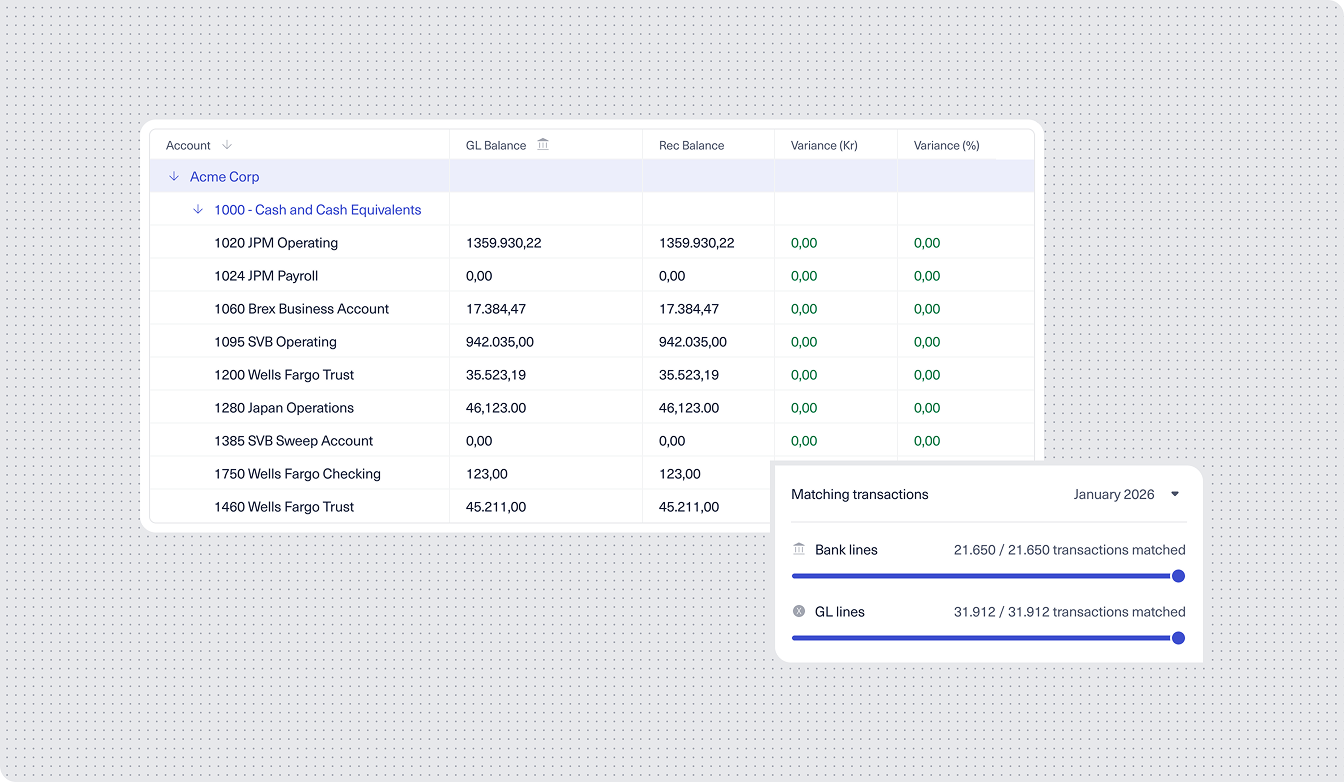
Stop chasing transactions across spreadsheets and bank portals. Ledgerbee auto-matches, auto-posts, and keeps your books accurate—so you can close faster and trust your numbers.
Trusted by forward-thinking finance teams


FEATURES
Bank reconciliation that works for you
Automatic matching, real-time sync, and full visibility—without the manual effort.

Auto-Matching That Learns
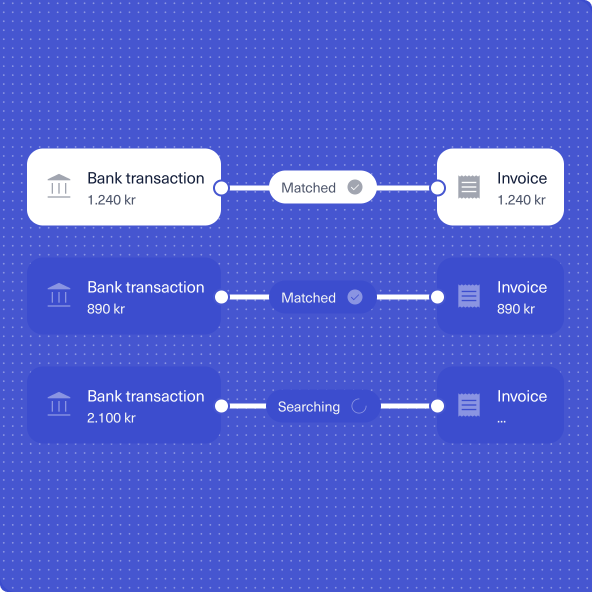
Hivey AI matches bank transactions to invoices and expenses automatically. It learns your patterns, applies your rules, and gets smarter with every transaction.

Built-In Exception Handling
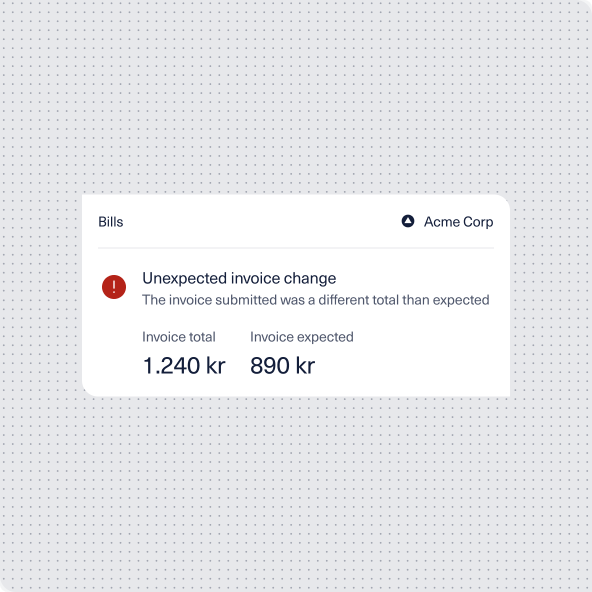
Review AI-suggested matches, approve with a click, and post directly to your ledger. What used to take hours now takes minutes.

Real-Time Bank Sync
Connect your bank accounts and see transactions as they happen. No waiting for imports, no stale data—just an accurate, up-to-date picture of your cash position.

One-Click Reconciliation
When something doesn't match, Ledgerbee flags it immediately. See unmatched items at a glance, resolve discrepancies quickly, and keep your close on track.
HOW IT WORKS
From bank feed to balanced books
Three steps. No spreadsheets. No manual matching.

Connect
Link your bank accounts through secure APIs. Transactions flow into Ledgerbee automatically—encrypted, real-time, and ready to reconcile.

Match
Unico AI compares incoming transactions against your invoices, expenses, and expected payments. It applies your chart of accounts, VAT rules, and approval logic automatically.

Post
Review the matches, approve what looks right, and post to your ledger. Done. Your books stay accurate without the busywork.
KEY DETAILS
Reconciliation built into your financial core
Not a bolt-on. Not a workaround. Native functionality that actually works.
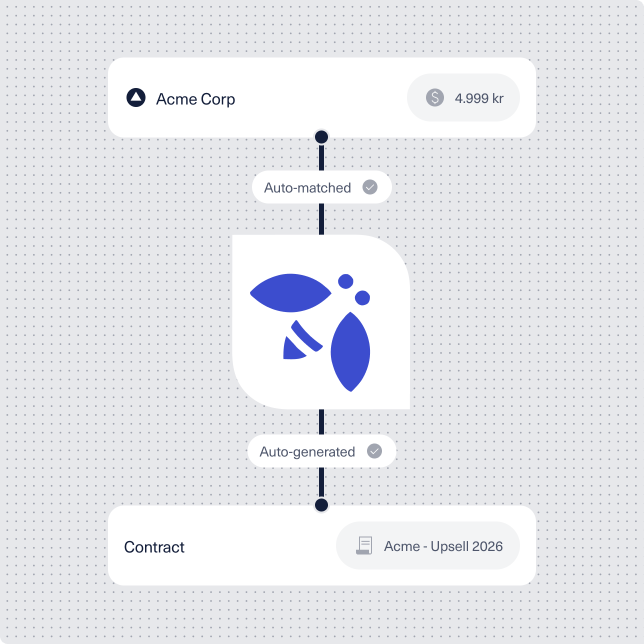
AI-Powered Matching
- Unico learns your chart of accounts, vendor patterns, and posting rules—then applies them automatically to every transaction.
- Handles high transaction volumes without slowing down. What breaks spreadsheets barely registers here.
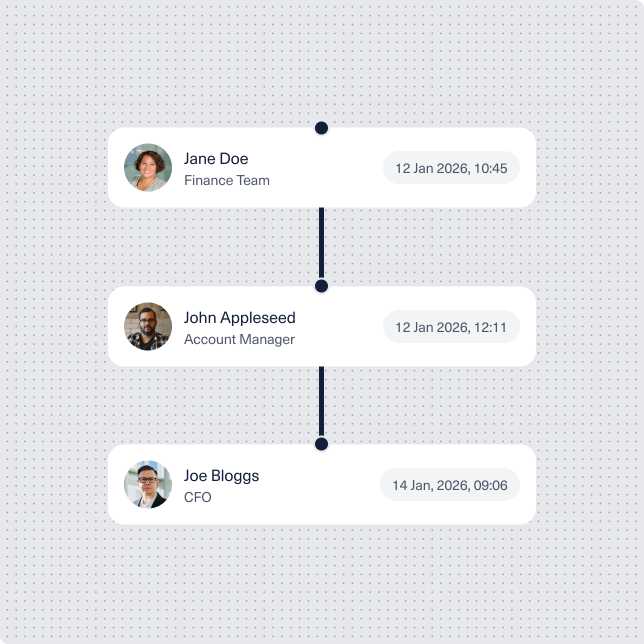
Complete Audit Trail
- Every match, adjustment, and approval is logged automatically. When auditors ask questions, you have answers.
- Track who approved what, when, and why—without digging through emails or separate systems.
Unified With Everything Else
- Reconciliation connects directly to your invoices, expenses, and payments. No syncing between tools, no manual imports.
- See the full picture: from invoice sent to payment received to bank matched—all in one place.

"We used to spend two full days on bank reconciliation every month. Now it's done by lunch on day one. The auto-matching is genuinely good—it catches things we used to miss manually."

Name Surname
Postiion, Company Name
"We used to close the books in e-conomic, reconcile expenses in a spreadsheet, and chase invoices in a third system. Now it's all in one place — and most of it happens automatically."
Name Surname
Postiion, Company Name
"We used to close the books in e-conomic, reconcile expenses in a spreadsheet, and chase invoices in a third system. Now it's all in one place — and most of it happens automatically."
Name Surname
Postiion, Company Name
"We used to close the books in e-conomic, reconcile expenses in a spreadsheet, and chase invoices in a third system. Now it's all in one place — and most of it happens automatically."
Name Surname
Postiion, Company Name
"We used to close the books in e-conomic, reconcile expenses in a spreadsheet, and chase invoices in a third system. Now it's all in one place — and most of it happens automatically."
Name Surname
Postiion, Company Name